Why we need to remove everything after the '?' in links
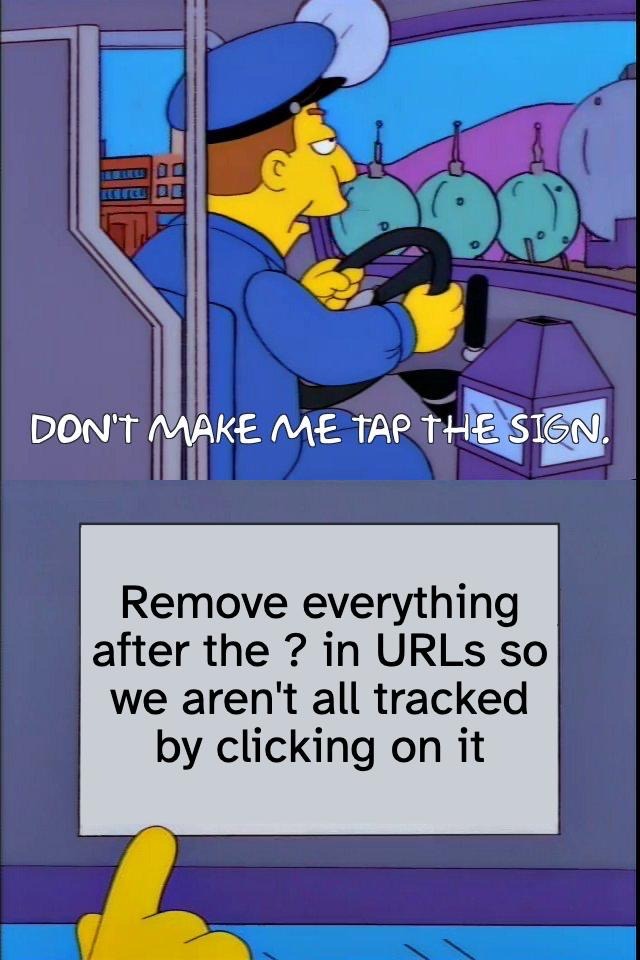
Takeaway: If you remove everything after the ? in links that you share, you'll help keep other people in your groups from being associated with you and each another (this is problematic because it can reduce anonymity for activism).
Short version
The link-sharing situation: Major social platforms (YouTube, Instagram, etc.) now add a unique code every time an individual clicks "copy link" on a post.
Background:
Everyone who clicks on it will be linked together as an associated group on that website.
If you're sharing the link in an activist group (esp. on Signal) where some people are at risk of being targeted for their political activity, the website (Instagram, etc) will then know who is interacting with who. This can de-anonymize people who are trying to protect their activist work.
These companies will eventually develop a copy of your group membership list.
These companies want this information to sell us ads, but the government can for a company to turn the data over and use it to target people who are resisting.
Best practice for your community: Delete everything after the "?" on before you share a link, regardless of where you share it.
Best protective practice for you: Also keep an eye out for a "?" In links that are shared by others. Do NOT click on that link!! Long-press on your phone and copy the link. Paste it into your browser. Delete the tracking stuff after the question mark. THEN you can click on it.
Remind folks who forget
Here's a sample message you can use if someone forgets.
Quick reminder: Please edit your message to remove the tracking code (everything after the "?"). This helps keep us all safer. https://activistchecklist.org/links
What you can do
How to remove the unique tracking code
To remove the tracking code BEFORE you post:
Copy the link from a social media app
Paste it into the messaging app (Signal, etc)
Delete everything after the "?"
Press Send
If you want to remove a tracking code AFTER you've already posted it:
In Signal/WhatsApp/iMessage, long-press on a post until a menu appears.
Click Edit
Delete everything after the "?"
Press Save
Other tips:
If you're on Brave browser or Firefox, you can right click and select "Copy clean link..." which will automatically remove these tracking codes.
Examples
Which social media sites do this kind of tracking?
Delete the section in red before sharing or visiting the link
Instagram:
⚠️ Has tracking:
https://www.instagram.com/p/CX7K9mNvAa5/?igshid=MzRlODBiNWFlZA==✅ Tracking removed:
https://www.instagram.com/p/CX7K9mNvAa5/
Facebook:
⚠️ Has tracking:
https://www.facebook.com/share/p/15BkR7qJ8M/?mibextid=oFDknk✅ Tracking removed:
https://www.facebook.com/share/p/15BkR7qJ8M/
YouTube:
⚠️ Has tracking:
https://youtu.be/zX9Ke_VXnIA?si=YpziAaccKeIE-b6z✅ Tracking removed:
https://youtu.be/zX9Ke_VXnIA
Exceptions
You can keep the the ? stuff for some websites
✅ Zoom:
https://us02web.zoom.us/j/68714384251?pwd=mT9pKvXcRwLz2nYqF83S✅ YouTube but only when it is
?v=not?si=https://www.youtube.com/watch?v=zX9Ke_VXnIA
FAQ
Does this mean Signal is not safe?
Signal is as safe as we can get while still using a phone. This tracking isn't happening inside Signal. It's happening on the big tech platforms because they’ve thought of another way to track us so they can sell us ads.
What about ?utm_source= type tracking codes?
These don't matter as much. They don't track you uniquely or associate us together.
I deleted the tracking code part and now the link doesn't work. What should I do?
On some sites, the stuff after the ? is required for the link to work, which can make this process confusing. If you're not sure how to share the link safely, maybe find a different site to share